Browser tip: Keep video full screen with multiple monitors (Firefox)
If you have multiple monitors and use Firefox to view a HTML5 video (using the <video> tag, such as in the YouTube HTML5 player) or perhaps have a WebGL game that runs full-screen, you will find that the moment you click away to another window on the other monitor, Firefox leaves full-screen mode. This makes it completely useless for watching video while doing something else. There is a fix for it.
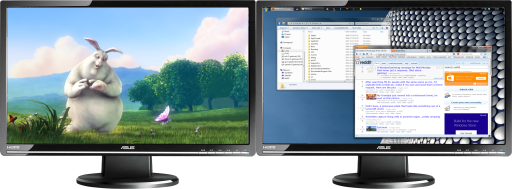
In Firefox, go to about:config, find a property called full-screen-api.exit-on-deactivate and set it to false (which you can do by doubleclicking on it). No need to restart the browser. It'll keep your full-screen content full-screen. Quite why this isn't the default is beyond me. Of course, to get out of full-screen mode, just press Esc.
Source: Bugzilla Bug #724554.
Comments
Thank you!
Thanks a lot for this, way easier than lifehacker's modified dll (that can always prove to be a virus). Actually on my setup the property either was not visible or wasn't there at all, so I right clicked, created it as a boolean and set it to false... and it did the trick.
Nice find and huge thanks.
Cheers.
tried looking for the above file in about:config but it is not there
Hi Davi, the option was removed from the default list in about:config recently. You can still create it manually: right-click in the about:config window, select "New" then "Boolean", enter the property name "full-screen-api.exit-on-deactivate" and select "false" as the value.
ok done that but still closes the full screen window what i am doing is watching skysports 1 on full screen so to go to about:config i have to open a new window which obviously closes the sky sports window but when i put it back to full screen it still does not stay in full screen Thanks
Post a comment